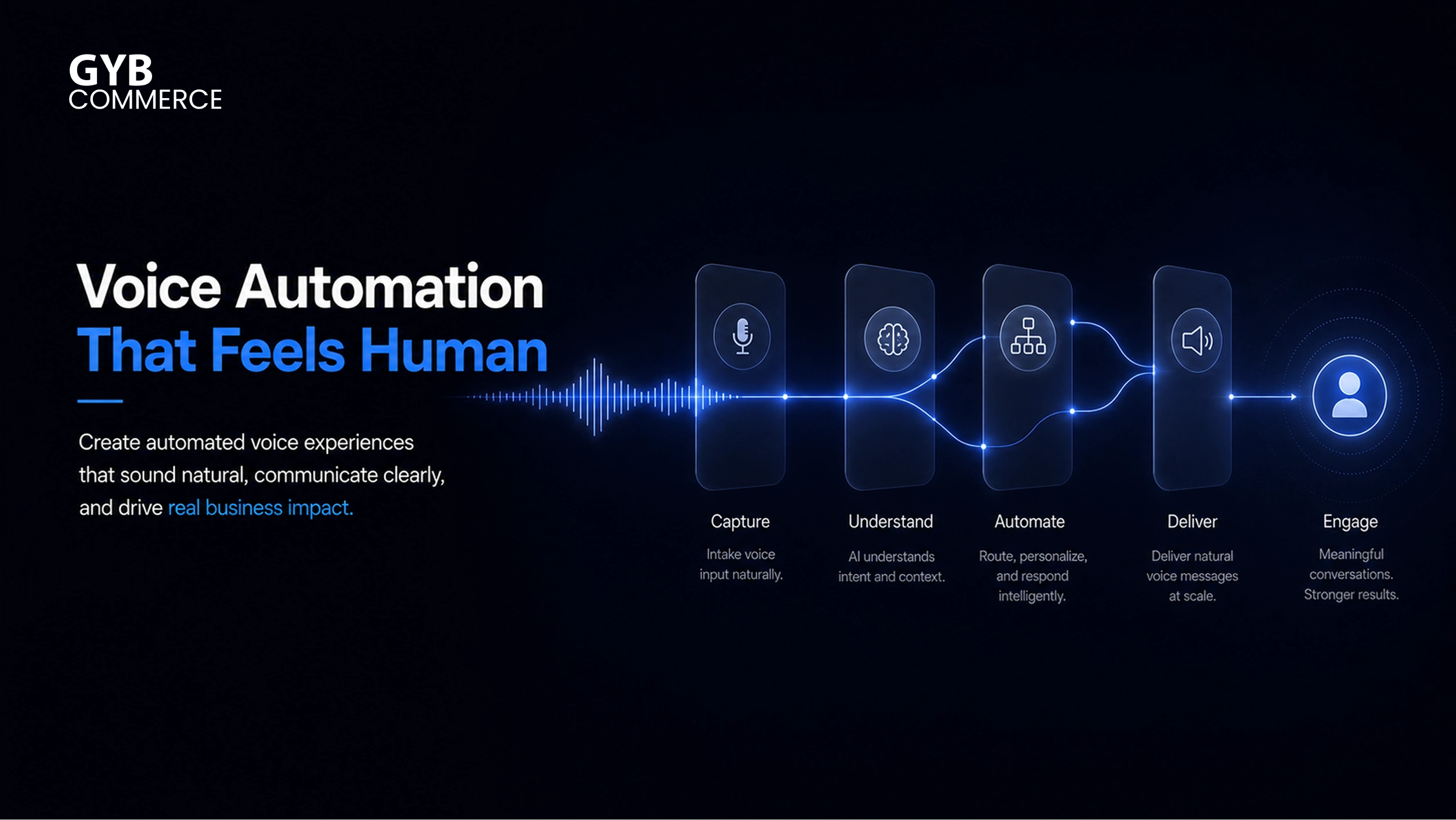
An automated voice message is a pre-recorded or AI-generated audio message delivered through systems like voice broadcast, robocalls, or Interactive Voice Response. Businesses use it for appointment reminders, notifications, marketing outreach, and customer service automation.
However, creating an automated voice message is not just about recording audio. The real difference comes from how clearly the message is structured, how natural it sounds, and how well it fits the context of the call.
If the message is poorly written or sounds robotic, it gets ignored. If it is clear, concise, and well-timed, it drives action and improves customer experience.
This guide focuses on execution first. You will learn exactly how to make an automated voice message step by step, then understand how to optimize it for real-world results.
Step-by-Step Guide to Make an Automated Voice Message
Creating an automated voice message follows a structured process. Each step directly impacts how effective the final message will be.
Step 1: Define the Purpose of Your Voice Message
Start by identifying exactly what the message is supposed to achieve. Without a clear purpose, the message becomes vague and ineffective.
For example, a voice message used for marketing automation will sound very different from one used for appointment reminders. Similarly, outbound calls for lead generation require a stronger call to action compared to inbound informational messages.
You also need to define the context. Decide whether the message is triggered by user action, scheduled as part of a notification system, or used in mass communication campaigns like call blasting.
A clear objective ensures that every word in the script serves a function.
Step 2: Write a Clear and Conversion-Focused Script
The script is the foundation of your automated voice message. Even advanced conversational AI cannot fix a poorly written script.
Focus on clarity first. Use short sentences and simple language so the listener understands the message immediately. Avoid technical jargon unless your audience expects it.
Every effective script follows a simple structure. Start with a quick introduction, deliver the core message, and end with a clear instruction. That instruction could be pressing a number, visiting a link, or waiting for further information.
Compliance also matters here. If you are sending automated voice messages for outreach, you must align with regulations like TCPA and GDPR. This affects how you introduce the message and whether consent is required.
A strong script reduces confusion and increases response rates.
Step 3: Choose Between AI Voice or Human Recording
Once the script is ready, the next decision is how the message will be voiced.
AI-generated voice uses text-to-voice technology to convert your script into speech. It is fast, scalable, and easy to update. This makes it ideal for high-volume outbound calls and dynamic notifications.
Human voice recording, on the other hand, adds emotional depth and authenticity. It works better for brand-sensitive communication where tone directly impacts trust.
In many cases, businesses combine both. They use AI voice for scale and human recordings for high-impact interactions.
The decision should depend on your use case, not preference.
Step 4: Generate or Record the Voice Message
If you choose AI voice, you will input your script into a platform that uses conversational AI and natural language processing to produce speech. Most modern tools allow you to adjust tone, speed, and emphasis.
If you choose human recording, focus on delivery quality. Record in a quiet environment, maintain a steady pace, and avoid sounding rushed. The voice should sound natural, not scripted.
Regardless of the method, consistency is important. The tone of the message should align with your brand and remain consistent across all automated voice interactions.
Step 5: Edit and Optimize Audio Quality
Raw audio is rarely ready for deployment. Editing ensures that the message sounds clear and professional.
Focus on pacing first. If the message is too fast, users miss information. If it is too slow, they lose interest. The goal is a balanced delivery.
Next, remove background noise or distortions. Even small audio issues can reduce perceived quality and trust.
You should also test how the message sounds on different devices. A message that sounds clear on a desktop setup might not perform well on mobile calls.
Optimization at this stage directly impacts how users perceive your business.
Step 6: Upload to Your Automated Voice System
The final step is integrating the message into your automated voice system. This is where creation connects with execution. Understanding how an automated voice messaging system works ensures a smooth setup.
Most businesses deploy these messages through Interactive Voice Response systems, call center automation platforms, or cloud-based solutions. Integration with CRM systems allows you to personalize messages using customer data.
For example, a system can dynamically insert a customer’s name, appointment time, or order details into the message. This improves engagement and makes the interaction feel more relevant.
If your system supports API integration, you can trigger messages based on real-time events such as purchases, missed calls, or support requests.
At this stage, your automated voice message becomes part of a larger communication workflow.
CTR: Let GYB Commerce Handle Your Voice Automation Flow
What Makes an Automated Voice Message Actually Work?
Creating the message is only the first step. Performance depends on how well the message aligns with user expectations and behavior.
An effective automated voice message feels intentional. It delivers the right information at the right time without forcing the listener to think too much. Knowing how to send automated voice messages to the right audience is equally important.
Clarity Beats Creativity
Many businesses try to make their messages sound unique, but clarity always performs better. The listener should understand the purpose of the call within the first few seconds.
If the message takes too long to get to the point, users disconnect or ignore it.
Timing and Context Matter
Even a well-written message fails if it is delivered at the wrong time. For example, sending a promotional robocall during working hours may result in low engagement, while a reminder sent shortly before an appointment increases response rates.
Context also matters. Messages triggered by user actions, such as booking confirmations, perform better because they are expected.
Voice Tone Impacts Trust
Tone directly affects how the message is perceived. A robotic or unnatural voice reduces credibility, while a natural and well-paced voice builds trust.
This is where advancements in conversational AI and text-to-voice technology play a key role. Modern systems can produce voices that sound increasingly human, improving customer engagement.
However, tone must still match the message. A formal notification requires a different tone compared to a promotional outreach message.
AI Voice vs Human Voice: Which One Should You Use?
Choosing between AI-generated voice and human recording is not a technical decision alone. It directly impacts scalability, consistency, and customer perception.
AI voice, powered by text-to-voice technology and conversational AI, allows you to create messages instantly. You can update scripts, personalize content, and deploy at scale without re-recording. This makes it highly effective for voice broadcast, outbound calls, and notification systems.
Human voice, however, brings emotional nuance. It adds warmth and authenticity that AI still struggles to replicate in certain contexts. This becomes important in brand-sensitive communication where trust and tone influence outcomes.
The right approach depends on the use case.
When to Use AI Voice
AI voice works best in environments where speed and scale matter. For example, call center automation, appointment reminders, and mass communication campaigns benefit from AI because they require consistency and quick updates.
It is also ideal when messages need to be dynamically generated using CRM integration. Personalized data such as names or order details can be inserted in real time without additional effort.
When to Use Real Human Voice
Human voice performs better in situations where emotional connection matters. Sales outreach, high-value customer interactions, and brand storytelling benefit from a more natural and expressive tone.
If your message needs to build trust quickly, a human voice often creates a stronger first impression.
Hybrid Approach: The Most Practical Strategy
Most businesses do not rely on one option alone. A hybrid approach combines both strengths.
AI voice handles scale and automation, while human recordings are used for key touchpoints. This balance allows businesses to maintain operational efficiency without sacrificing customer experience.
Best Tools to Create Automated Voice Messages
The quality of your automated voice message also depends on the tools you use. Modern systems combine multiple technologies to deliver reliable and scalable communication.
AI Voice Generators
AI voice generators use text-to-voice technology and natural language processing to convert scripts into speech. These tools allow you to control tone, pacing, and voice style.
They are essential for businesses running large-scale automated voice campaigns or dynamic messaging systems.
Voice Recording Tools
If you choose human recording, you need tools that ensure clean and consistent audio output. Basic recording setups can work, but quality improves significantly with proper microphones and editing software.
Clear audio reduces friction and improves how the message is perceived.
Automated Voice Message Systems
Creation alone is not enough. You need systems to deliver these messages effectively.
Platforms built around Interactive Voice Response, predictive dialers, and cloud-based solutions handle distribution. They allow you to automate outbound calls, manage inbound interactions, and track performance.
Implementing an advanced automated voice messaging system handles this entire distribution process.
When combined with CRM integration and API integration, these systems enable personalized and event-triggered communication at scale.
Common Mistakes When Creating Automated Voice Messages
Even well-intentioned implementations fail due to avoidable mistakes. These issues reduce engagement and negatively impact customer experience.
One common mistake is overcomplicating the message. Long scripts with unnecessary details confuse listeners and reduce response rates. Simplicity always performs better.
Another issue is poor voice quality. Whether using AI or human recording, unclear audio creates friction and reduces trust.
Many systems also fail because they do not provide an option to reach a human. Automated systems should support escalation. Without this, users feel trapped, which leads to frustration.
Compliance is another overlooked area. Ignoring regulations like TCPA and GDPR can create legal risks, especially in outbound campaigns such as robocalls or call blasting.
Avoiding these mistakes ensures that your automated voice message performs as intended.
Use Cases of Automated Voice Messaging Across Industries
Automated voice messaging is not limited to a single industry. Its flexibility allows businesses to adapt it to different operational needs.
In healthcare, automated voice messages are widely used for appointment reminders and follow-ups. This reduces no-shows and improves scheduling efficiency.
In e-commerce, businesses use voice messages for order confirmations, delivery updates, and customer notifications. This enhances customer engagement while reducing support queries.
Financial institutions rely on automated voice systems for fraud alerts and payment reminders. Speed and reliability are critical in these scenarios.
Service-based businesses use automated voice messaging for lead capture, scheduling, and customer communication. This ensures that no opportunity is missed, even outside business hours.
Across all industries, the goal remains the same. Improve operational efficiency while maintaining a consistent customer experience.
How Automated Voice Messages Fit Into Modern Communication Systems
Automated voice messages are not standalone tools. They are part of a larger communication infrastructure driven by automation and integration.
At the core, Interactive Voice Response systems manage inbound interactions. They guide users through menus, collect input, and route calls efficiently.
Predictive dialers and outbound systems handle large-scale voice broadcast campaigns. These tools optimize call timing and increase connection rates.
SIP trunking enables scalable voice communication over the internet, reducing dependency on traditional telephony systems.
CRM integration connects voice messaging with customer data. This allows businesses to personalize communication and track interactions across the customer journey.
API integration further extends functionality. Messages can be triggered based on real-time events such as purchases, missed calls, or support tickets.
Together, these components form a complete ecosystem that supports digital transformation and modern customer engagement strategies.
CTR: Request Free IVR and Voice Automation Demo
Frequently Asked Questions
How to make an automated voice message for business use?
To make an automated voice message for business use, you need a clear script, a voice generation method, and a delivery system. The message should align with your objective and integrate with tools like CRM or IVR for execution.
Can I create AI voice messages without recording?
Yes, you can create AI voice messages using text-to-voice technology. These tools convert written scripts into natural-sounding speech without requiring any manual recording.
What is the best tool to create automated voice messages?
The best tool depends on your use case. AI voice generators are ideal for scalability, while IVR platforms and cloud-based systems are necessary for delivering automated voice messages effectively.
Are automated voice messages legal?
Automated voice messages are legal if they comply with regulations like TCPA and GDPR. Businesses must ensure proper consent and follow communication guidelines, especially for outbound calls.
How long should an automated voice message be?
An automated voice message should be as short as possible while still delivering the necessary information. Most effective messages stay under 30 seconds to maintain attention and clarity.
Can automated voice messages sound human?
Yes, modern conversational AI and text-to-voice technology can produce highly natural voices. With proper tuning, these messages can sound close to human speech.
How much does automated voice messaging cost?
The cost of automated voice messaging depends on the platform, call volume, and features like CRM integration or predictive dialers. Cloud-based solutions typically offer scalable pricing models.
Final Takeaways
Creating an automated voice message is a structured process, but effectiveness comes from execution quality. A clear script, the right voice choice, and proper system integration determine results.
AI voice enables scale and flexibility, while human voice adds authenticity where it matters. Combining both creates a balanced communication strategy.
When integrated with systems like IVR, CRM platforms, and automation workflows, automated voice messaging becomes more than a tool. It becomes a core part of how businesses communicate, engage, and operate efficiently.